Employee operations
Maintain employee profiles, import your directory, and coordinate onboarding and offboarding tasks. Explore people management →

For IT companies and blue-collar workforces of all sizes: connect employee records, onboarding, leave, attendance and payroll, with policies and approvals configured for your organization.
A preview of the ZapHRMS workspace. Screens show demonstration data.
Keep records, requests and decisions connected as people join, work and leave.
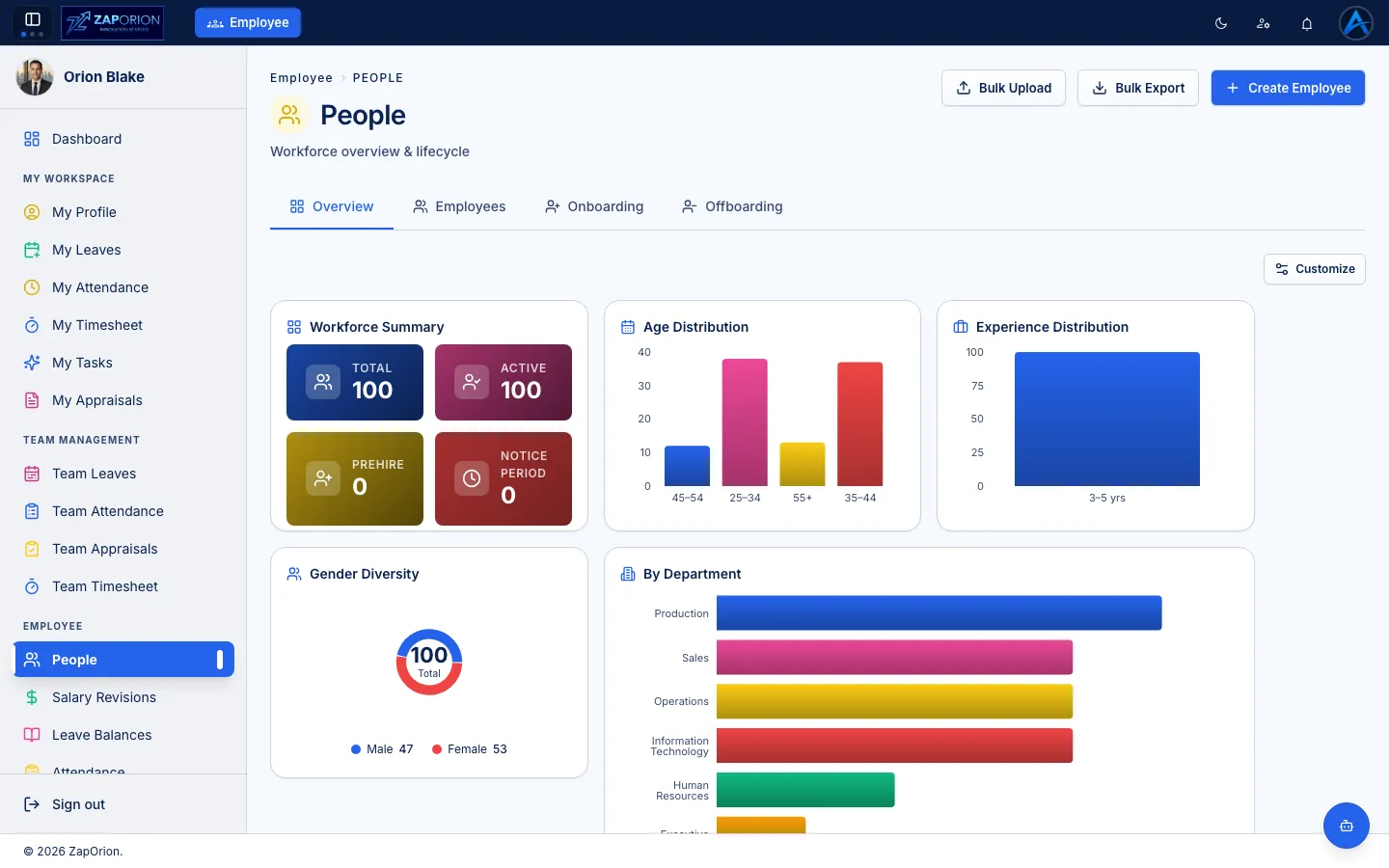
Maintain employee profiles, import your directory, and coordinate onboarding and offboarding tasks. Explore people management →
Review calendars, approve corrections, manage leave balances and plan team rosters. Explore time management →
Assign project work, review timesheets, and run goal and appraisal cycles. Explore work and performance →
Configure salary structures and pay groups, sync or import attendance, and review pay runs before approval. Explore payroll →
Generate letters from active templates and employee data. Track equipment assignments, returns and warranties. Explore documents and assets →
Share updates through Pulse, follow notifications, and investigate recorded activity and background jobs. Explore communication →
Zaporion primarily serves organizations in India and the UAE and also provides services worldwide. ZapHRMS supports payroll in both India and the UAE.
Connect employee self-service, leave, project tasks, timesheets and performance reviews with HR and payroll operations.
Manage attendance, leave, shift rosters, approval requests and employee assets across operational teams and locations.
Employees handle their requests, managers coordinate their teams, and HR and payroll teams manage operations through assigned permissions.
Check attendance, request leave, record project time and follow your requests from a personal workspace.
Available pages and actions depend on your permissions.
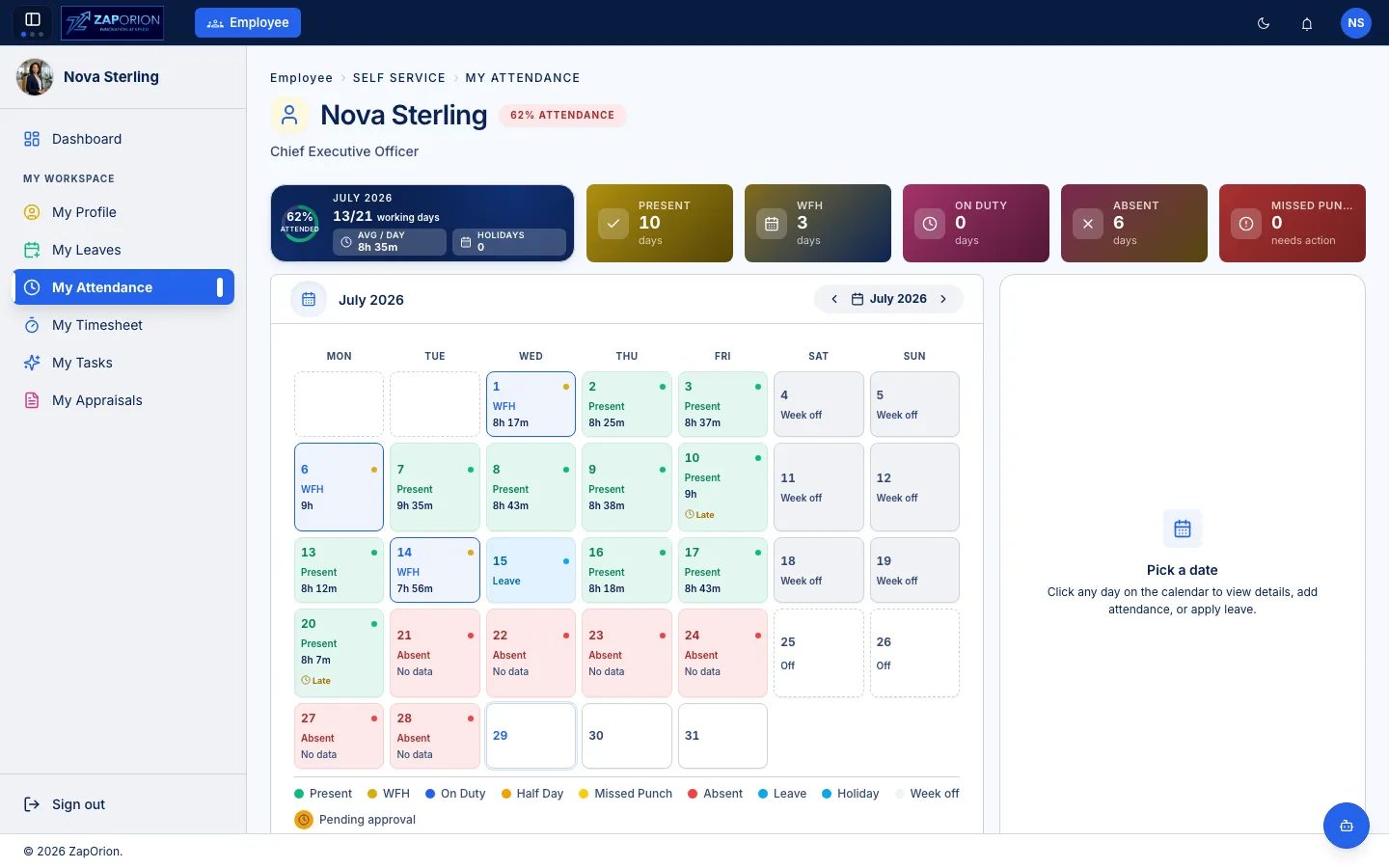
Explore employee records, onboarding, time, work, payroll and offboarding through product screenshots.
Set up policies and approvals using administration tools.
Design approval steps for leave, attendance corrections, resignations, timesheets and shift requests. Requests already in progress keep their original workflow version.
Configure leave types, shifts, holiday calendars, employee ID formats and custom fields. Choose which custom fields employees can edit.
Assign read, manage and sensitive-data permissions to roles. Payroll has its own permission controls for setup, processing, claims and administration.
Payroll keeps a record for each pay period. Sync attendance from ZapHRMS where integrated, or import CSV data, then review calculations before approving a run.
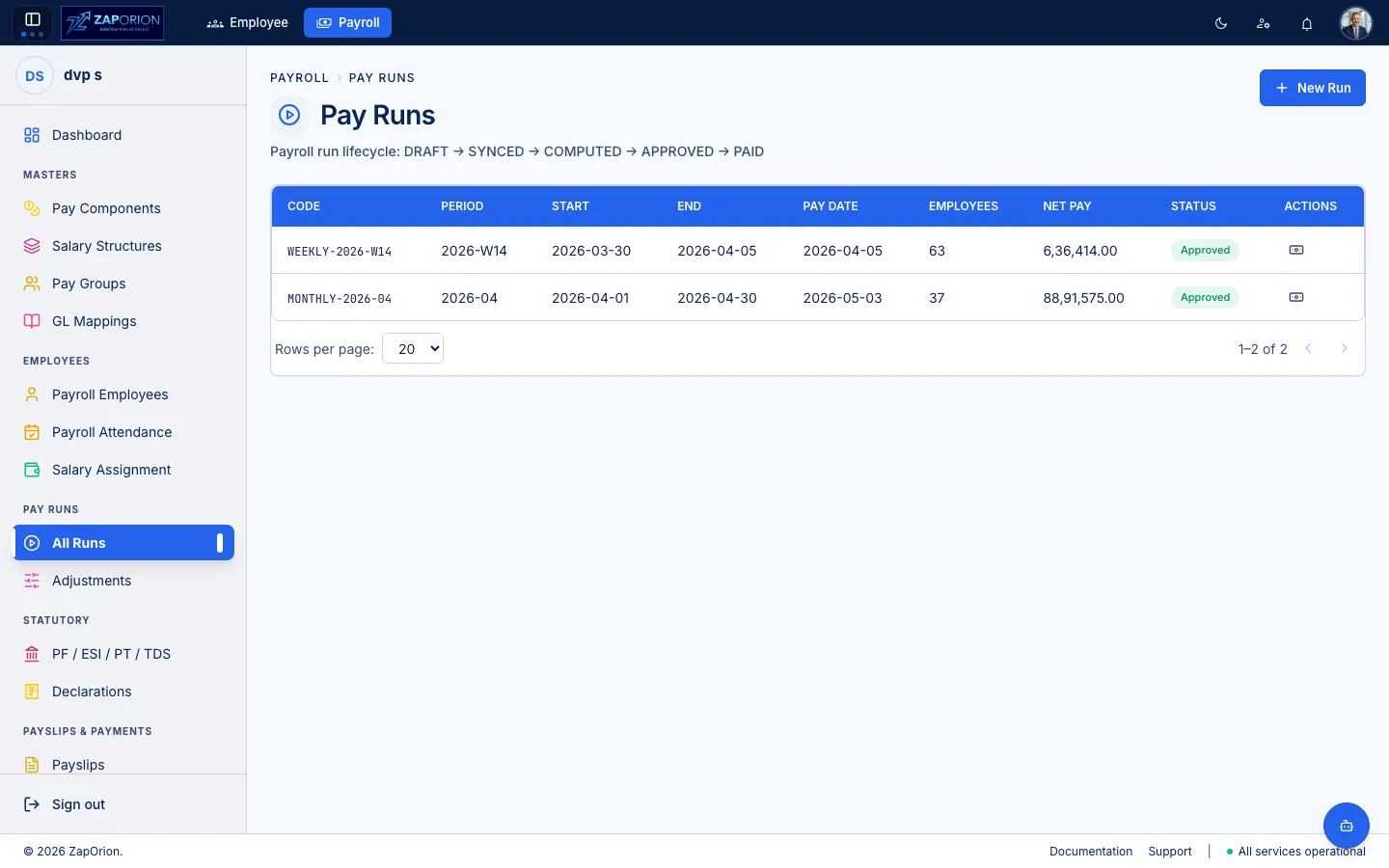
Salary assignments, attendance, loss of pay, overtime and adjustments feed the calculation. Review employee breakdowns, re-compute after corrections, and generate payslips and bank advice for the run.
Explore Payroll →Use shared cloud up to 1,000 employees. Above 1,000 employees, choose dedicated cloud or an on-premises deployment.
Run ZapHRMS on shared cloud. This is the cloud deployment model for organizations with up to 1,000 employees.
Use a separate cloud environment for your organization when the workforce exceeds 1,000 employees.
Deploy ZapHRMS on your organization’s own infrastructure as an alternative to dedicated cloud.
Zaporion provides one-week implementation for all company sizes and deployment options. The rollout brings together configuration, data setup, training and go-live review.
Identify employee groups, locations, leave rules, payroll periods and the workflows you need.
Set up departments, roles, permissions, leave types, shifts and approval workflows.
Use employee import templates and review validation results. Set up payroll components, groups and salary assignments where required.
Train employees and administrators on their workflows, review a sample payroll run and complete the go-live review with Zaporion.
Choose light or dark mode, accent palettes and glass surfaces where enabled. Appearance preferences are saved in your browser without changing anyone else’s workspace.
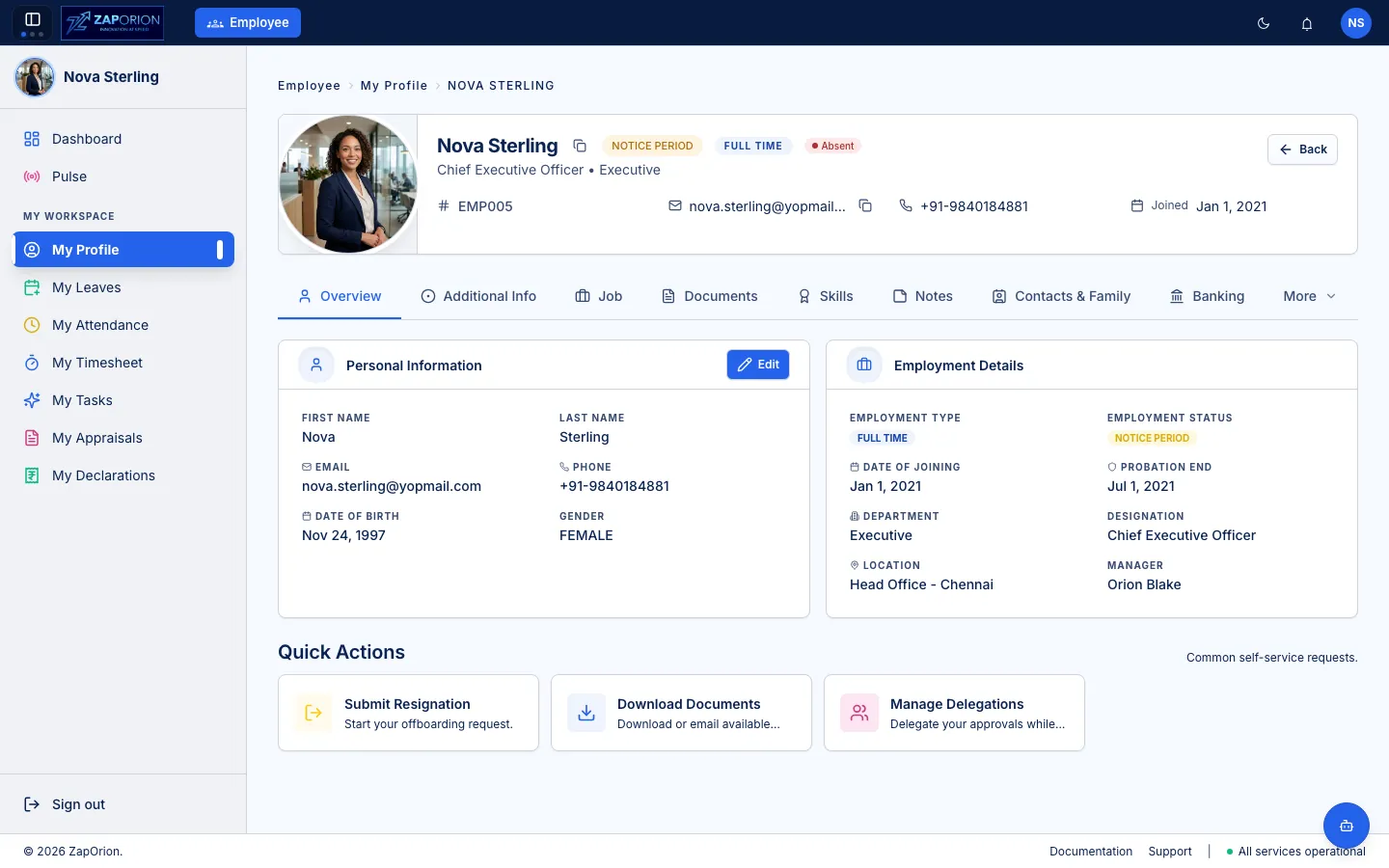
Choose an appearance and palette to compare product screenshots. Available options depend on your deployment.
IT companies and blue-collar workforces of all sizes, including HR teams, managers, employees and payroll administrators. Explore the workforce and role-based solutions to assess the fit for your organization.
Administrators can configure leave types, shifts, holiday calendars, custom employee fields and role permissions. The workflow designer supports versioned approval flows for requests such as leave, attendance corrections and timesheets.
The employee directory supports spreadsheet imports with row-level validation. Attendance operations accept device exports and CSV files; payroll attendance can sync from ZapHRMS where integrated or use CSV imports. Historical migration requirements should be included in your rollout scope.
ZapHRMS supports payroll in India and the UAE, including salary structures, pay groups, attendance inputs, pay runs, payslips, loans and reimbursements. Indian statutory configuration includes PF, ESI, Professional Tax and TDS. Review the payroll scope and discuss your jurisdiction and reporting requirements with Zaporion.
Zaporion provides one-week implementation across all company sizes and deployment options, covering configuration, data setup, training and go-live review.
Shared cloud is available for organizations with up to 1,000 employees. For more than 1,000 employees, choose dedicated cloud or an on-premises deployment on your own infrastructure.
Zaporion focuses primarily on India and the UAE and provides services worldwide. Payroll is supported in India and the UAE; review the Payroll page for more information.
Send your requirements for a proposal covering modules, deployment, implementation and support.
ZapHRMS is developed by Zaporion, a software product and technology services company.
Talk through your workforce, policies and payroll requirements with Zaporion.